Chapter 03 of 04 · Coach
Book lessons and teach online.
Show your teaching experience, sell lesson packages, and let students book available times.
From your public profile to the lesson board.
01
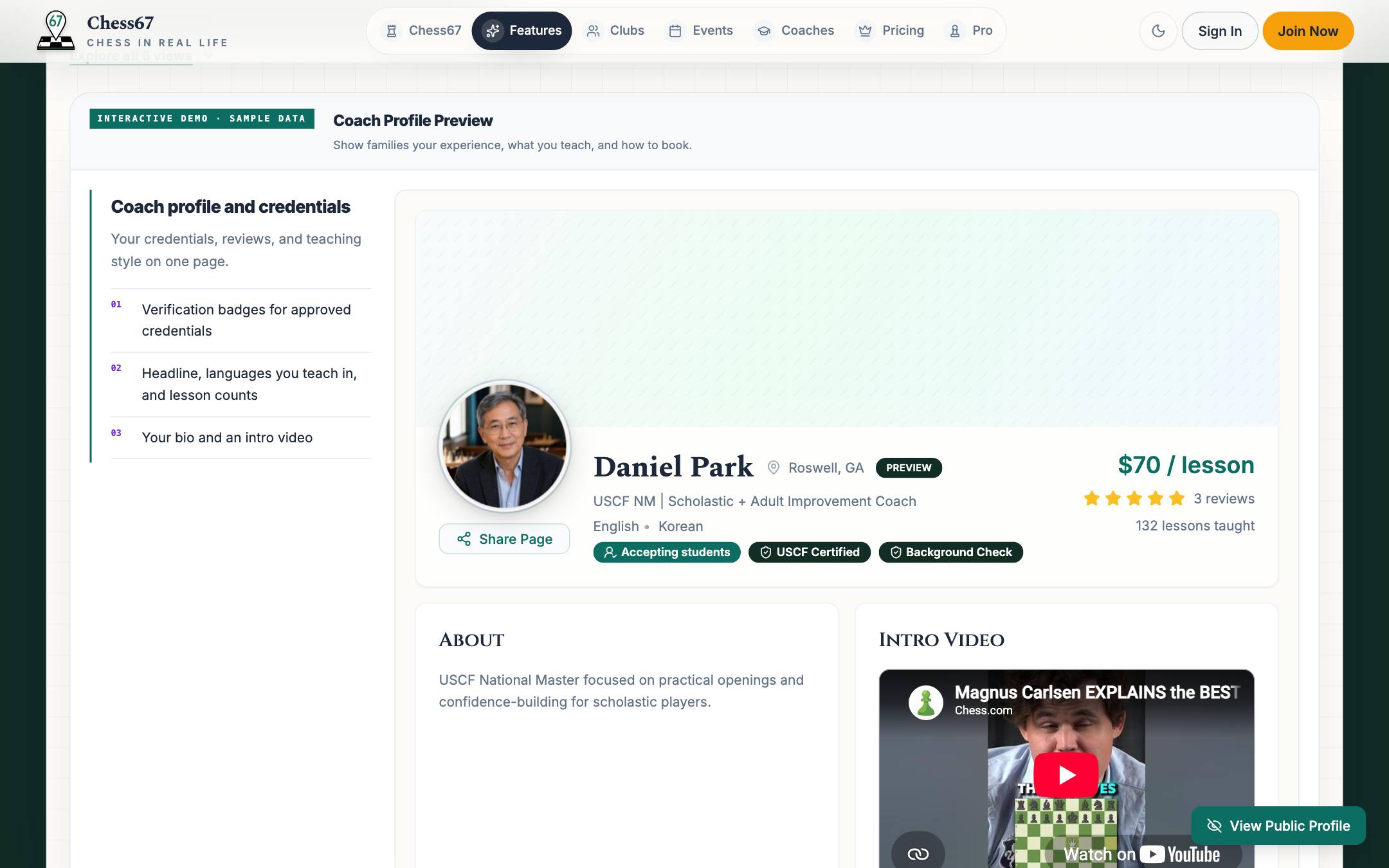
Build the profile
Show your ratings, teaching experience, prices, and reviews. Approved credentials receive verification badges.
Chess67 · Build the profile
02
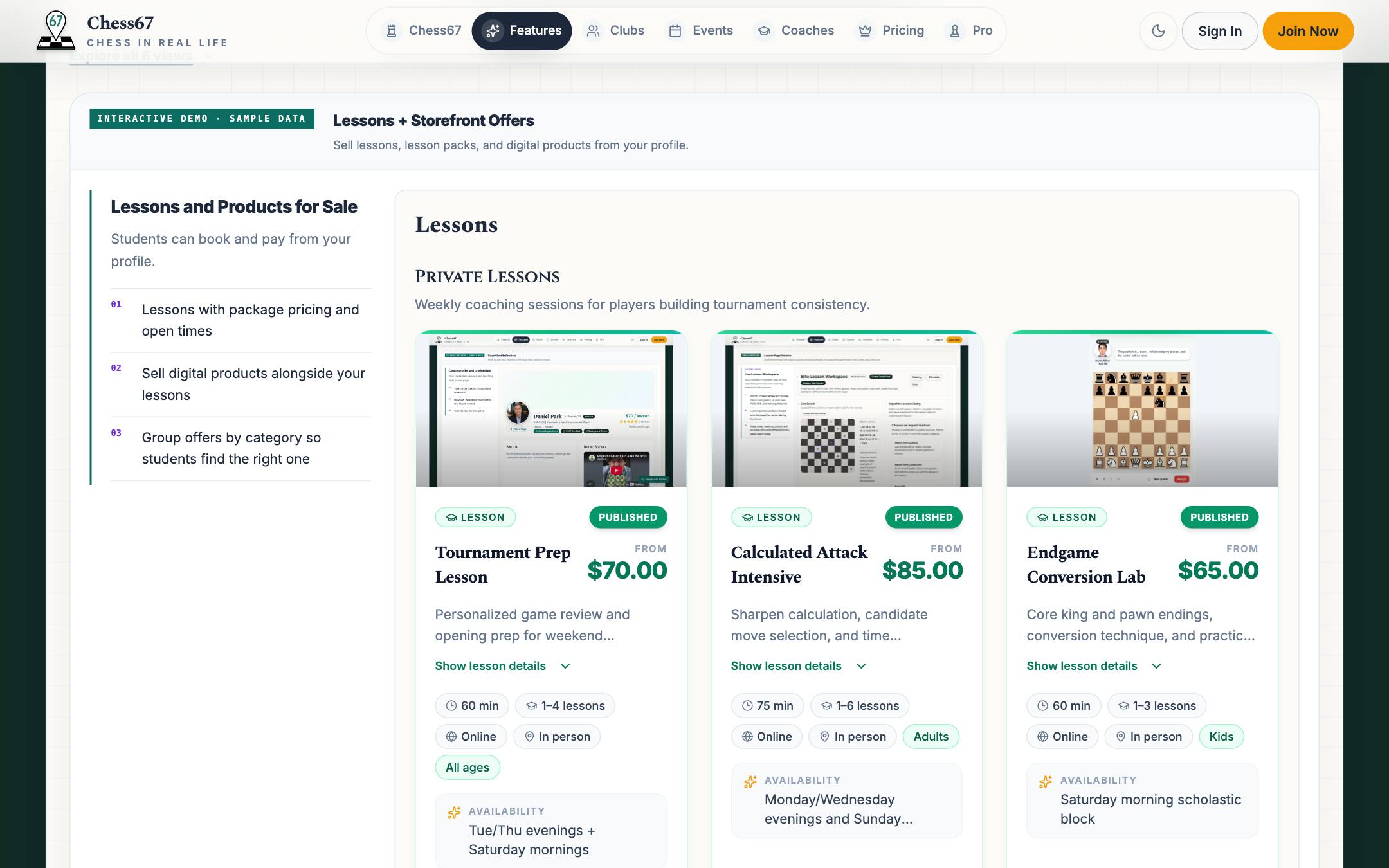
Set up offers
Single lessons, packs, group classes, or tournament prep, with clear prices and policies.
Chess67 · Set up offers
03
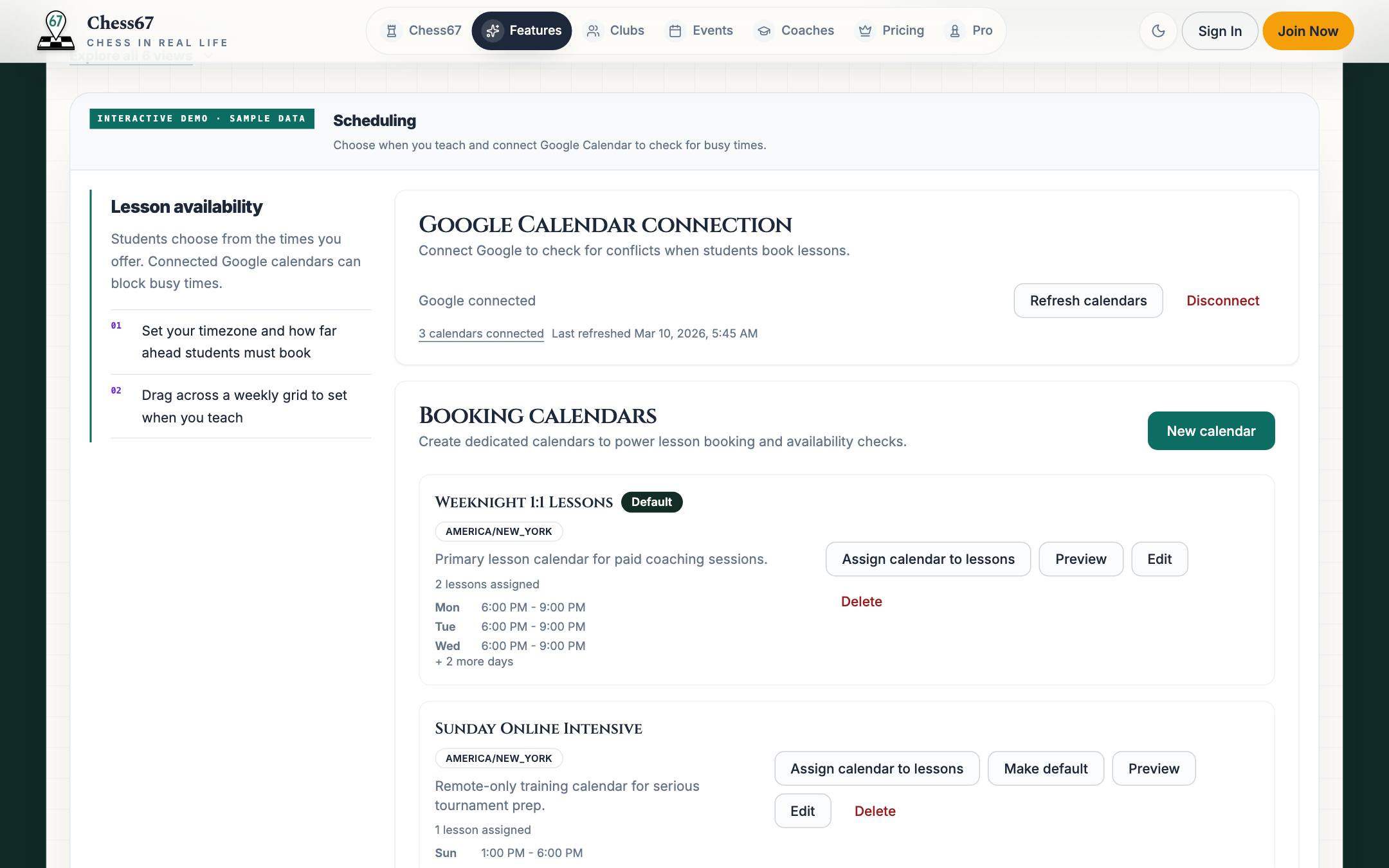
Open your calendar
Set weekly availability and connect Google Calendar to check for conflicts. Students choose an available time and pay when they book.
Chess67 · Open your calendar
04
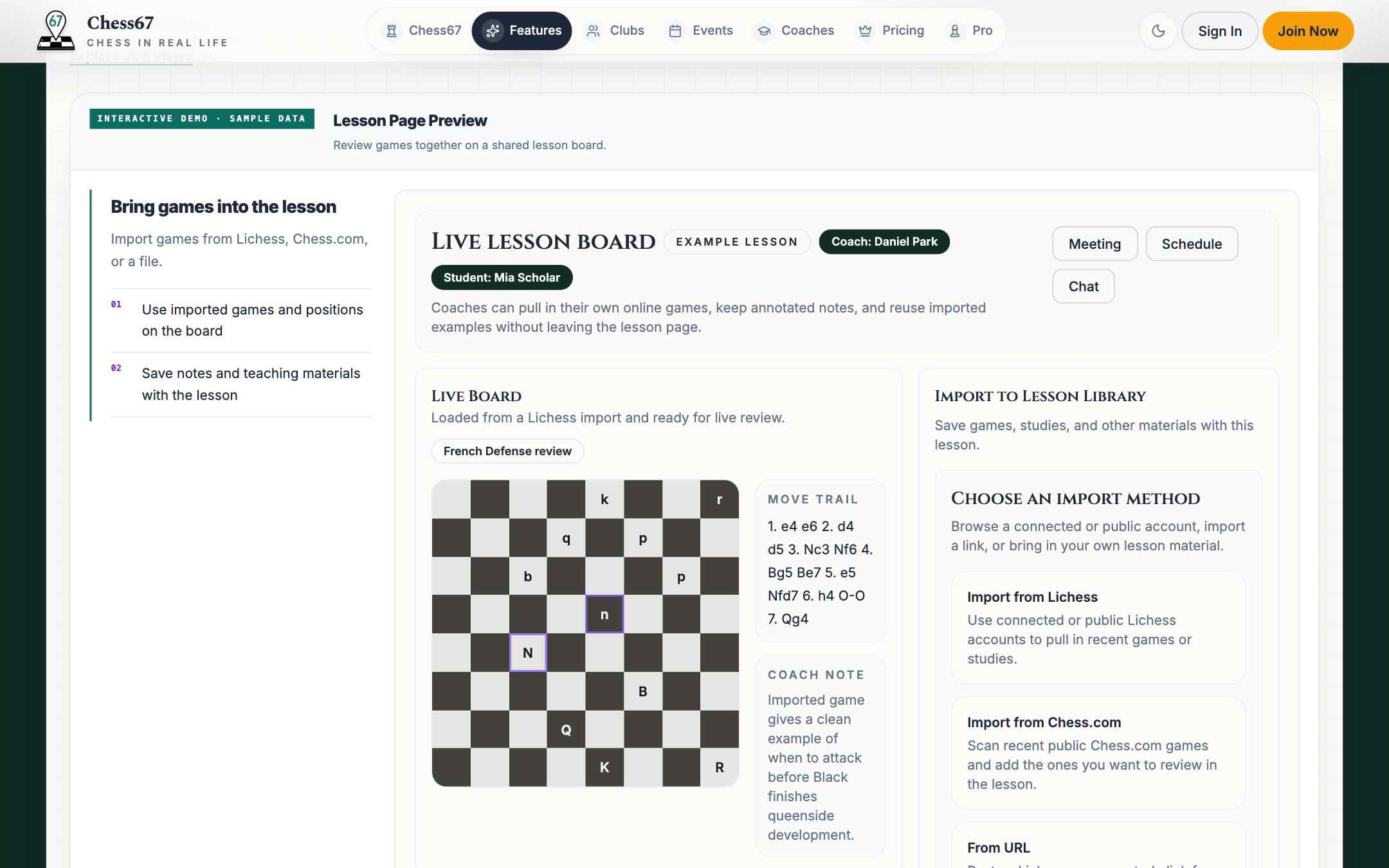
Run the live lesson
A shared board with video and imported games. Notes stay attached to the student for next time.
Chess67 · Run the live lesson
Chess67 product tour
Real product · Guided view
Try it yourself
Try the coaching tools
See the public profile, then try offers, scheduling, live lessons, and reviews.