Chess coaching software for lessons, booking, and payments
Publish your teaching experience and lesson prices. Students can book available times and pay online, and you can teach on a shared chess board.
Set your available lesson times
Connect a Google Calendar to check for conflicts
Import games and studies for lessons
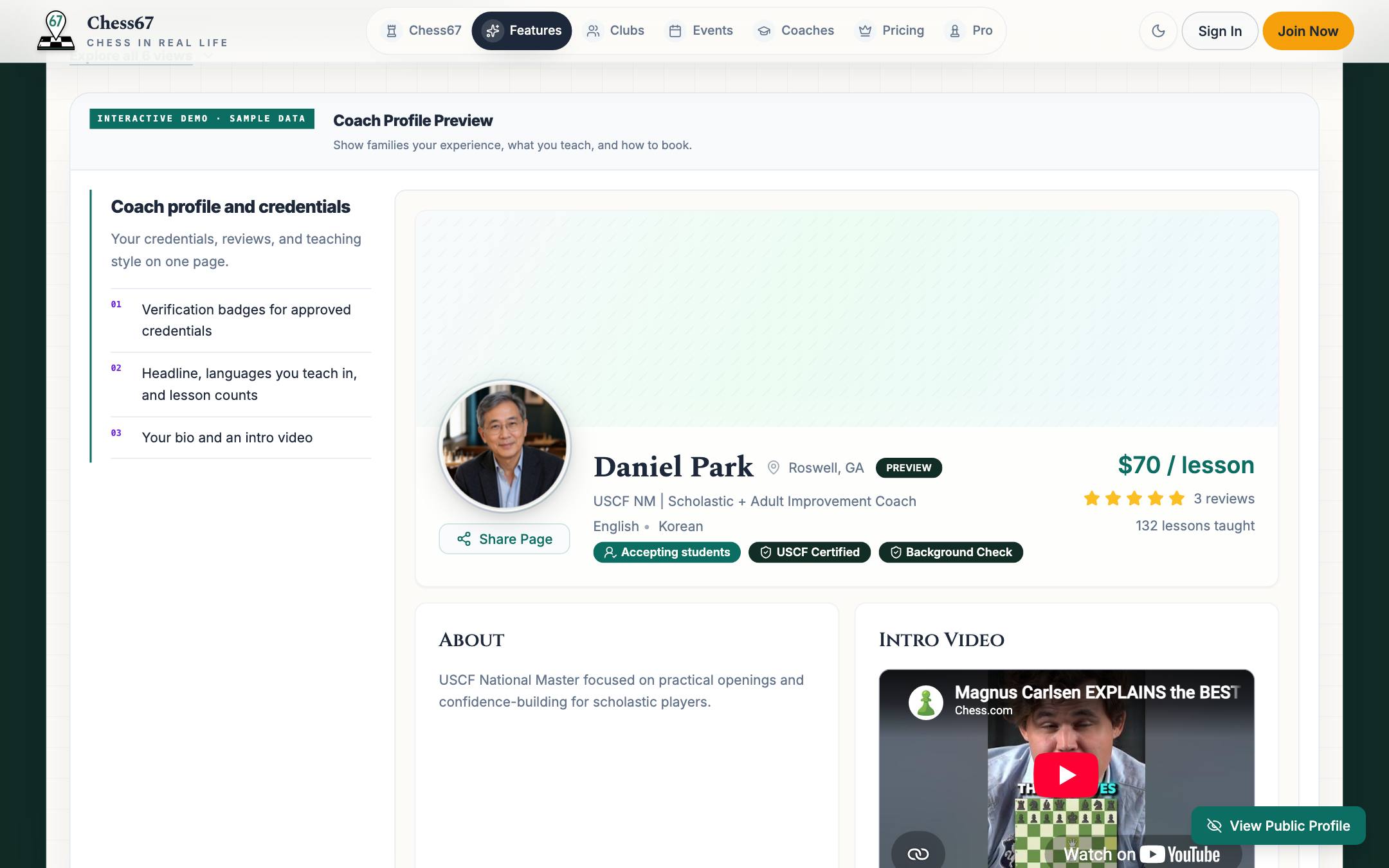
What coaching on Chess67 looks like
See a coach profile, lesson offers, and the shared lesson board.
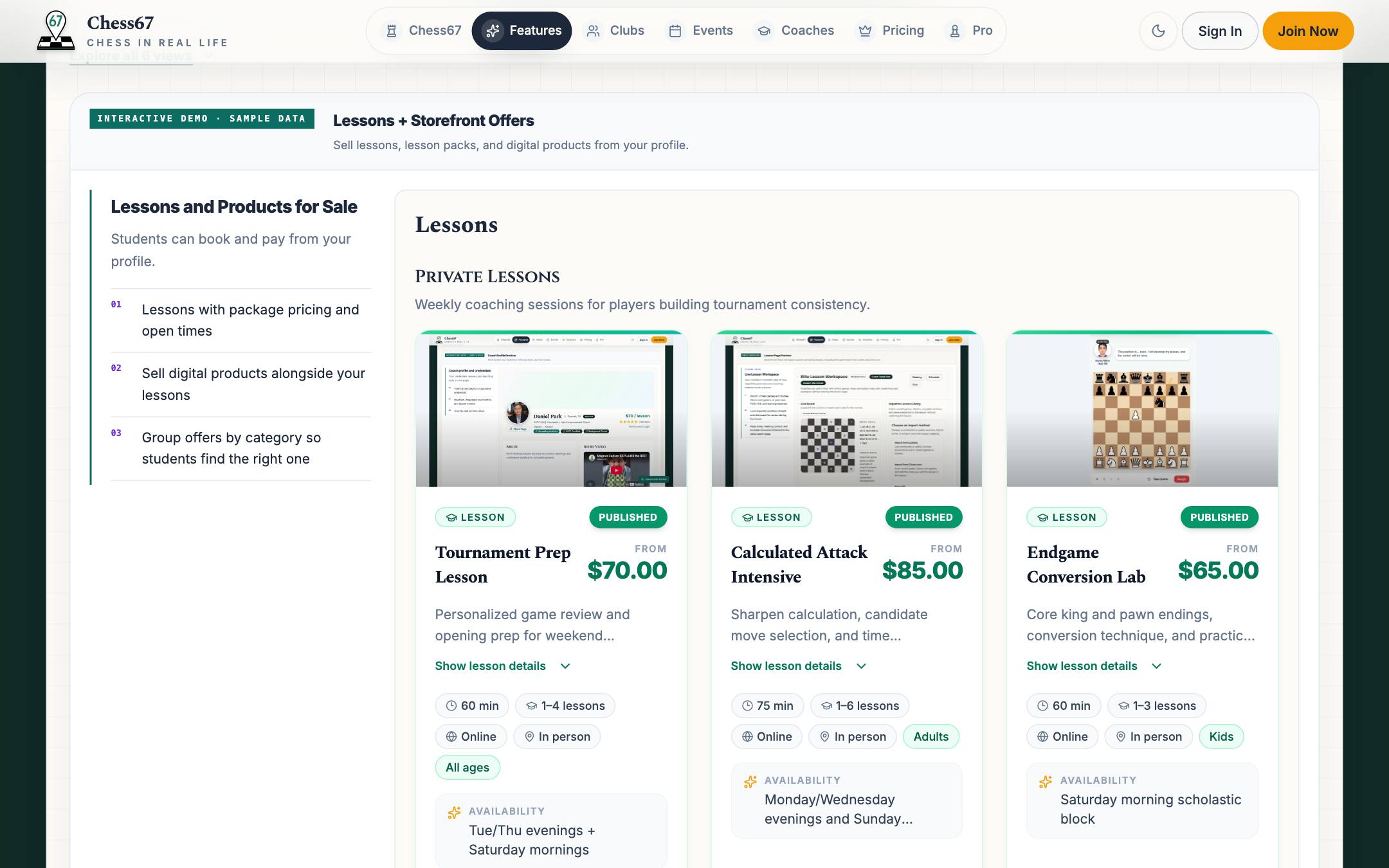
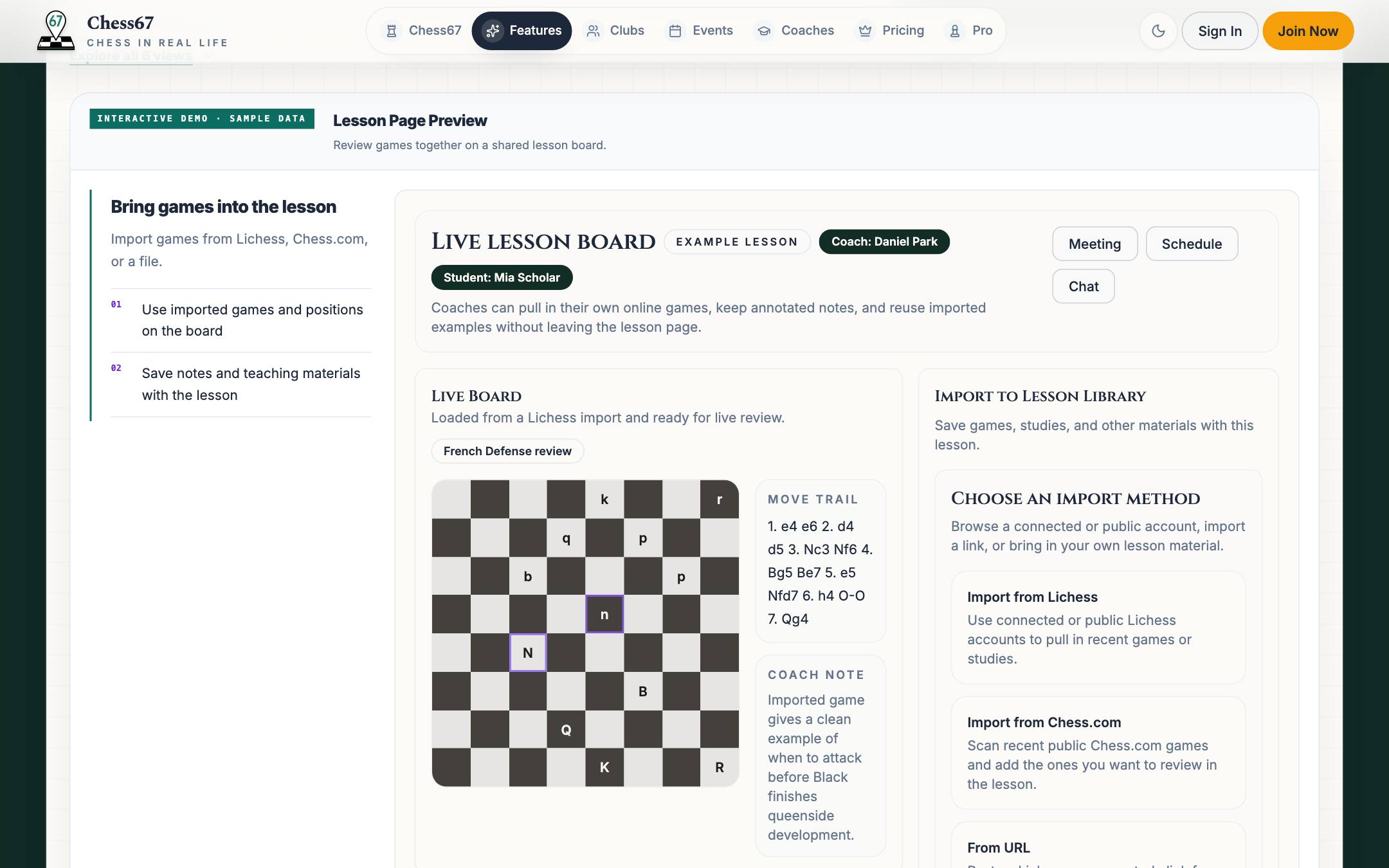
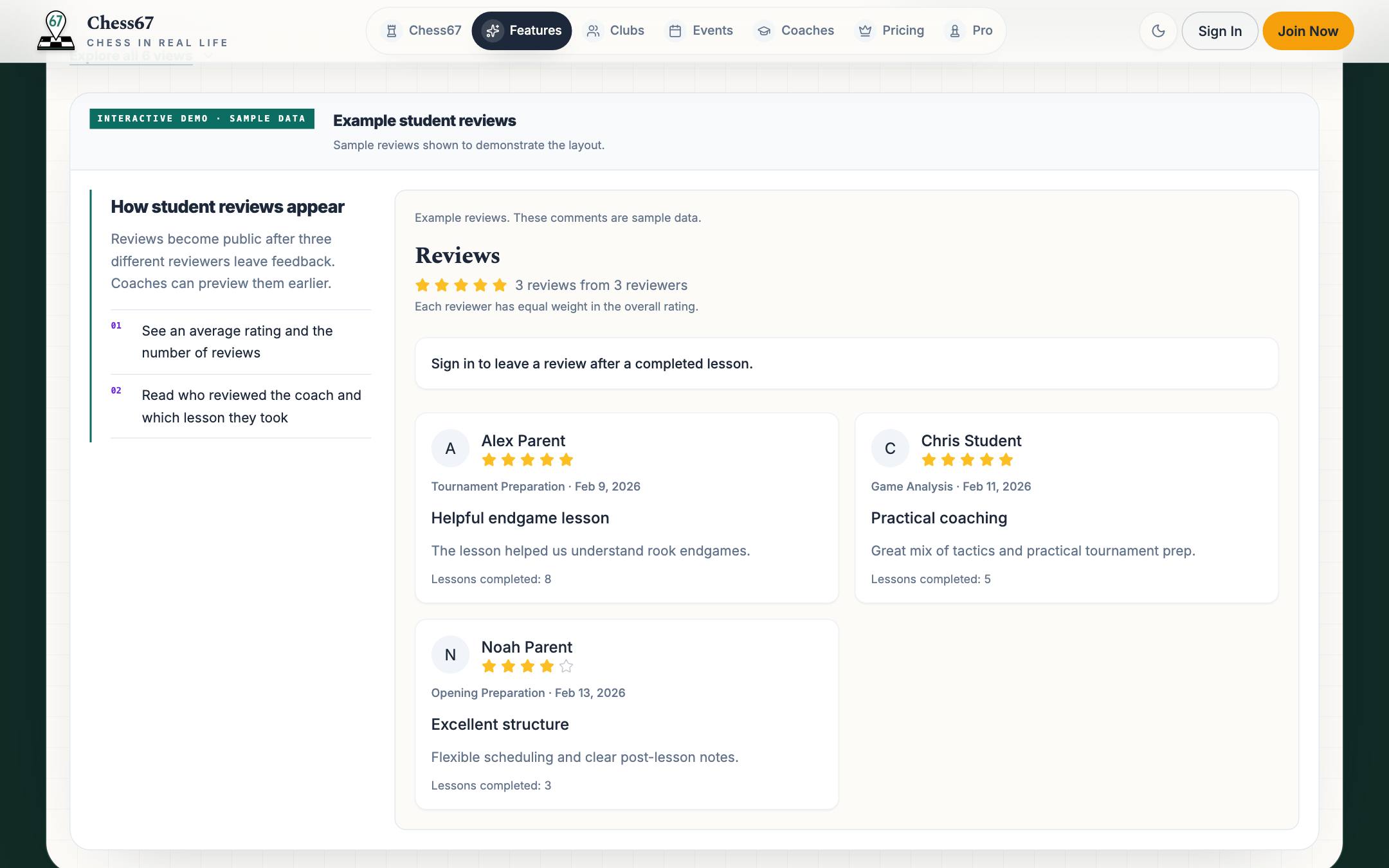
Set up your coaching
- 1
Create a profile
Add your experience, teaching focus, rates, and credentials. Verification badges are optional and appear when earned.
- 2
Set prices and availability
Create lesson offers and booking windows. If you connect a Google Calendar, Chess67 can check it for conflicts.
- 3
Teach and keep notes
Review positions on a shared board and keep notes for the next lesson.
Tour the coach workspace right here
Explore the tabs using sample data.
This demo does not save changes or take payments.
Frequently asked questions
Can I teach on Chess67?
Yes. Use a shared chess board and import Chess.com games or Lichess games and studies. You can keep lesson notes with the student’s lesson page.
Are all coaches verified?
No. Profiles show verification badges only where a coach has completed the relevant check or credential review. Read the badge details and discuss your needs before booking.
What does it cost?
Publishing a profile and lesson offers does not require a subscription. Chess67’s standard fee is 2% of sales through its checkout, plus payment processing fees. Optional paid features have separate pricing.
Can parents buy lessons for a child?
Yes. Parents can buy lessons for a child profile from their own account.
Create your coach profile
Add your lesson prices, teaching experience, and available times.