Go to the right place
Step by step
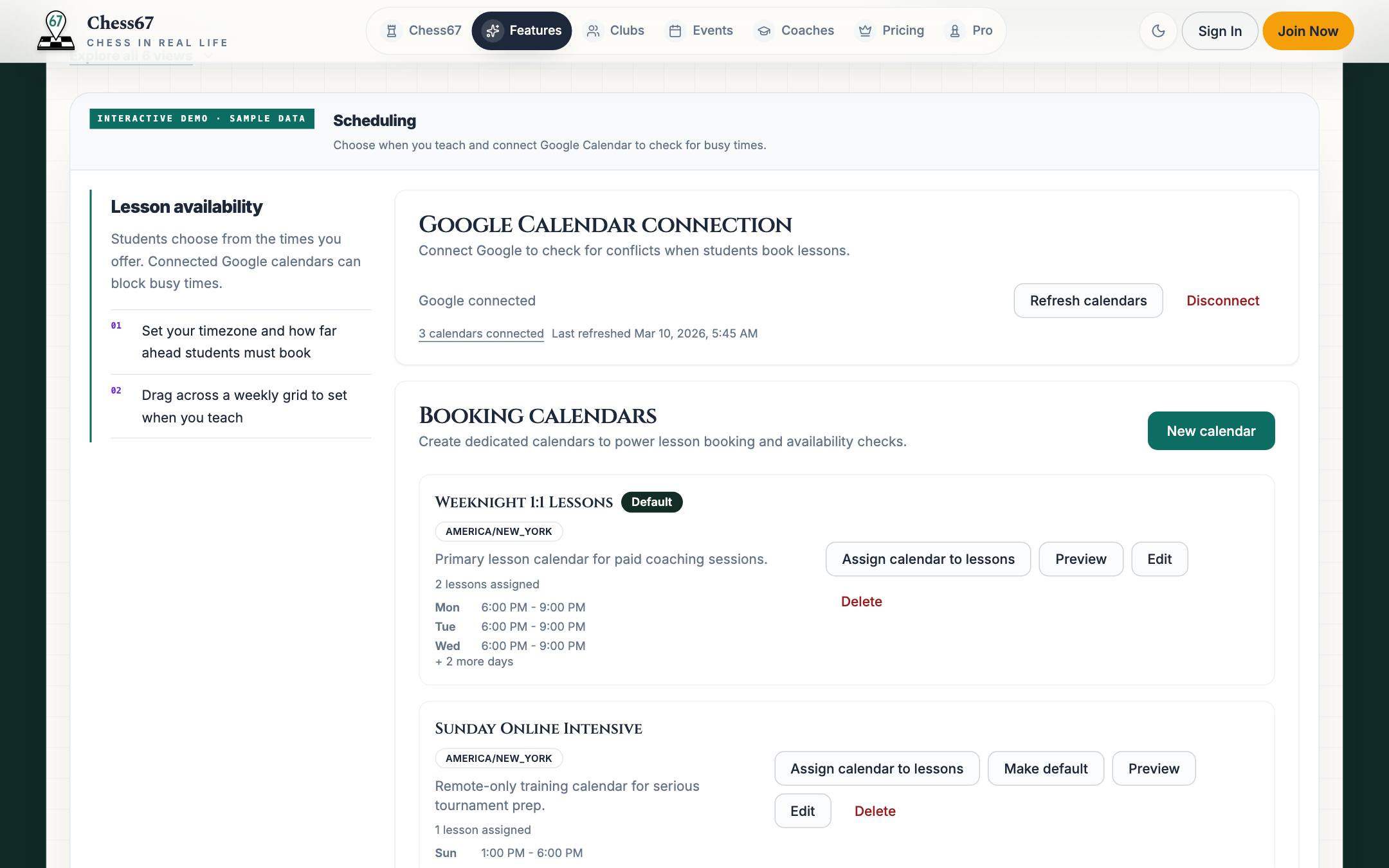
- Open Coach Portal → Teaching → Availability.
- Create or edit an availability schedule and check its timezone.
- Set the weekly times and any date-specific changes or booking limits offered by the form.
- Assign the schedule to the lesson offerings that should use it.
- If you connect a calendar, review the calendar choices and busy-time settings.
- Save, then check the available times on your public booking page.
What it looks like
After you finish
Students see eligible time slots based on the offer, schedule, and booking settings.