Go to the right place
Step by step
- Open Coach Portal → Teaching → Lesson Offerings.
- Create or edit an offering and enter its name, description, duration, and price.
- Review whether it is online or in person and how students choose a time.
- Assign the appropriate availability and payment settings.
- Save and publish the offer, then review it on your public profile.
What it looks like
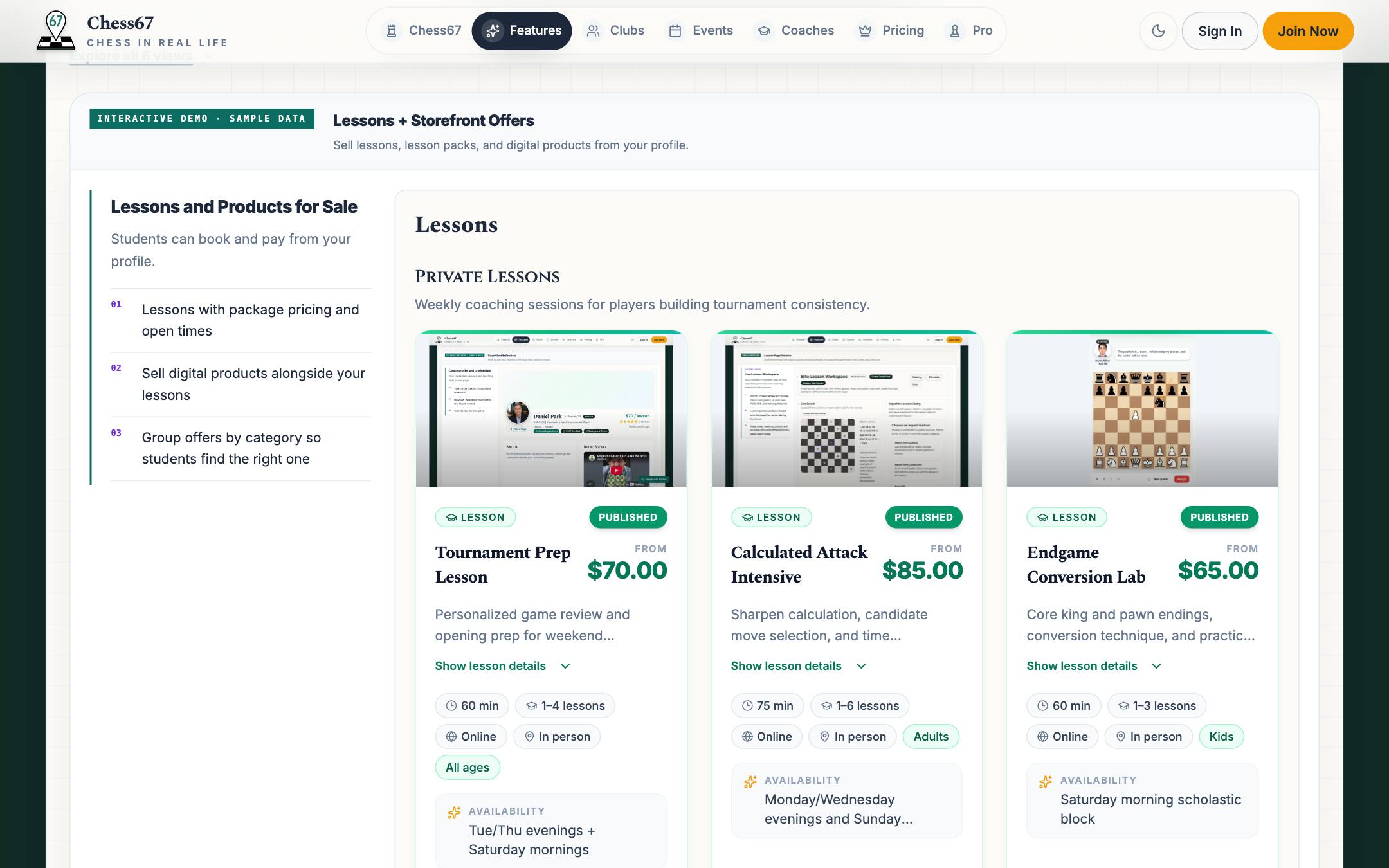
After you finish
Students can find the lesson on your profile, pick a time, and pay for it.