Back
All Chess67 features

Chapter 01 of 04 · Club Organizer

Manage members, dues, and events.

Create a public club page, import your roster, collect dues, and publish events.

Set up your club and publish your first event.

01

Create the club

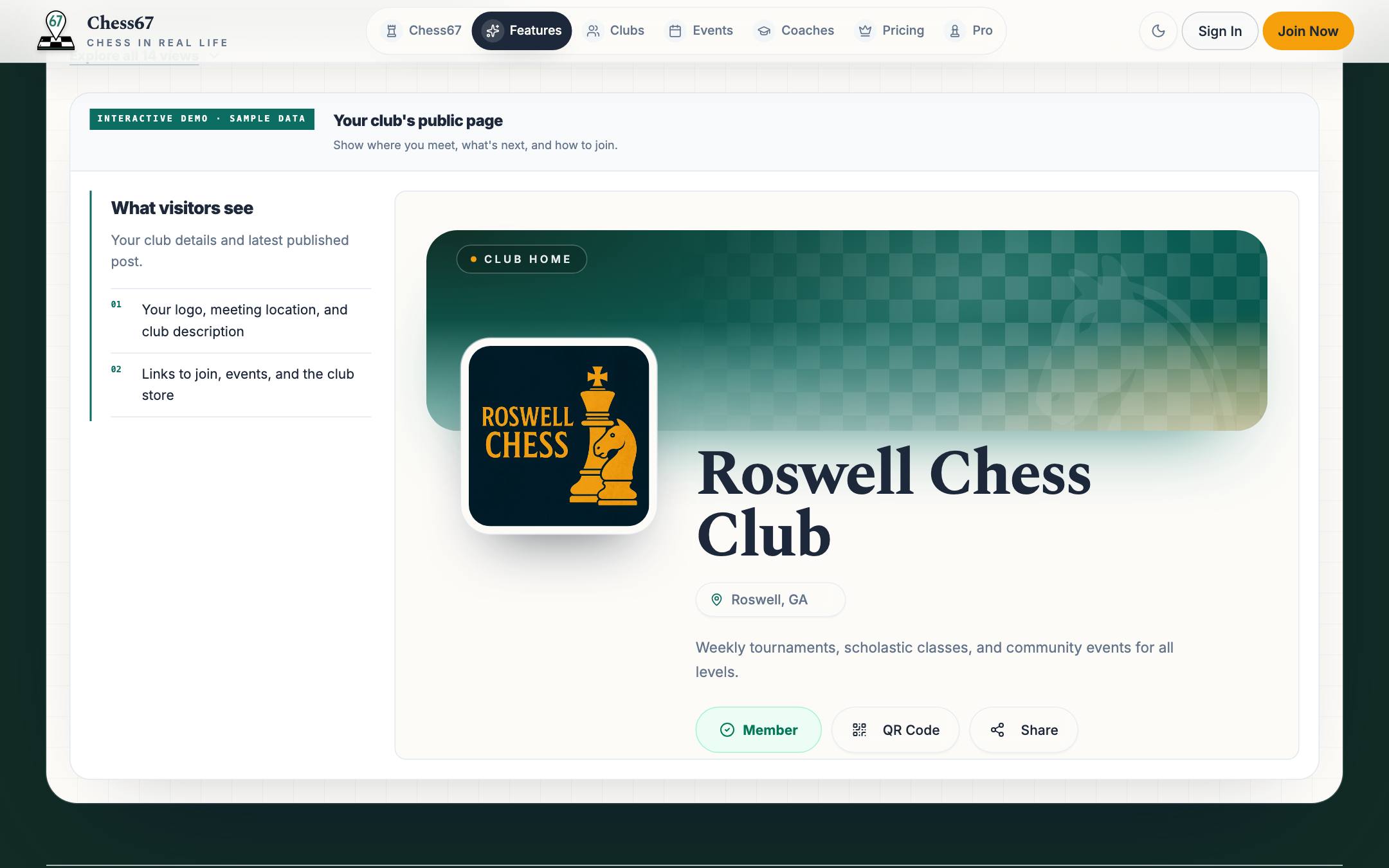
Add your club name, location, logo, and a short introduction. Members get a public page to share; you get tools to manage the club.
Chess67 · Create the club
Chess67 club homepage with membership, events, calendar, and directory

Watch how it works

Set up the club name, description, public details, and core settings, then publish the club page.

Plays here without leaving Chess67.Watch on YouTubeFull playlist
02Optional

Set up groups and dues

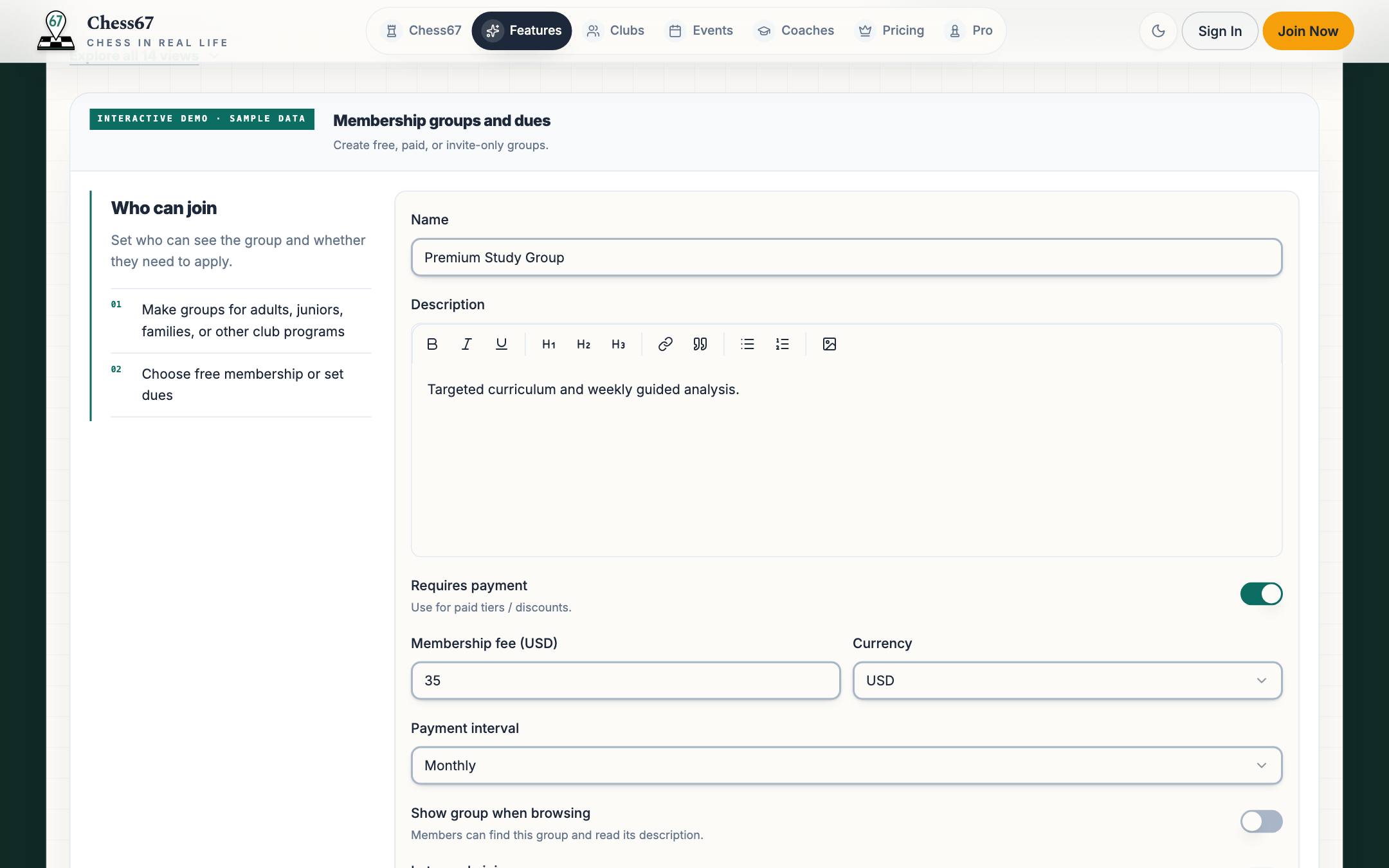
Create free groups or collect one-time dues through Stripe or PayPal. Use Stripe for monthly or yearly memberships.
Chess67 · Set up groups and dues
Membership group editor with paid tier, fee, interval, and visibility settings

Watch how it works

Create a membership group, choose public or private, add custom questions, set up confirmation emails, and configure dues.

Plays here without leaving Chess67.Watch on YouTubeFull playlist
03

Invite or import members

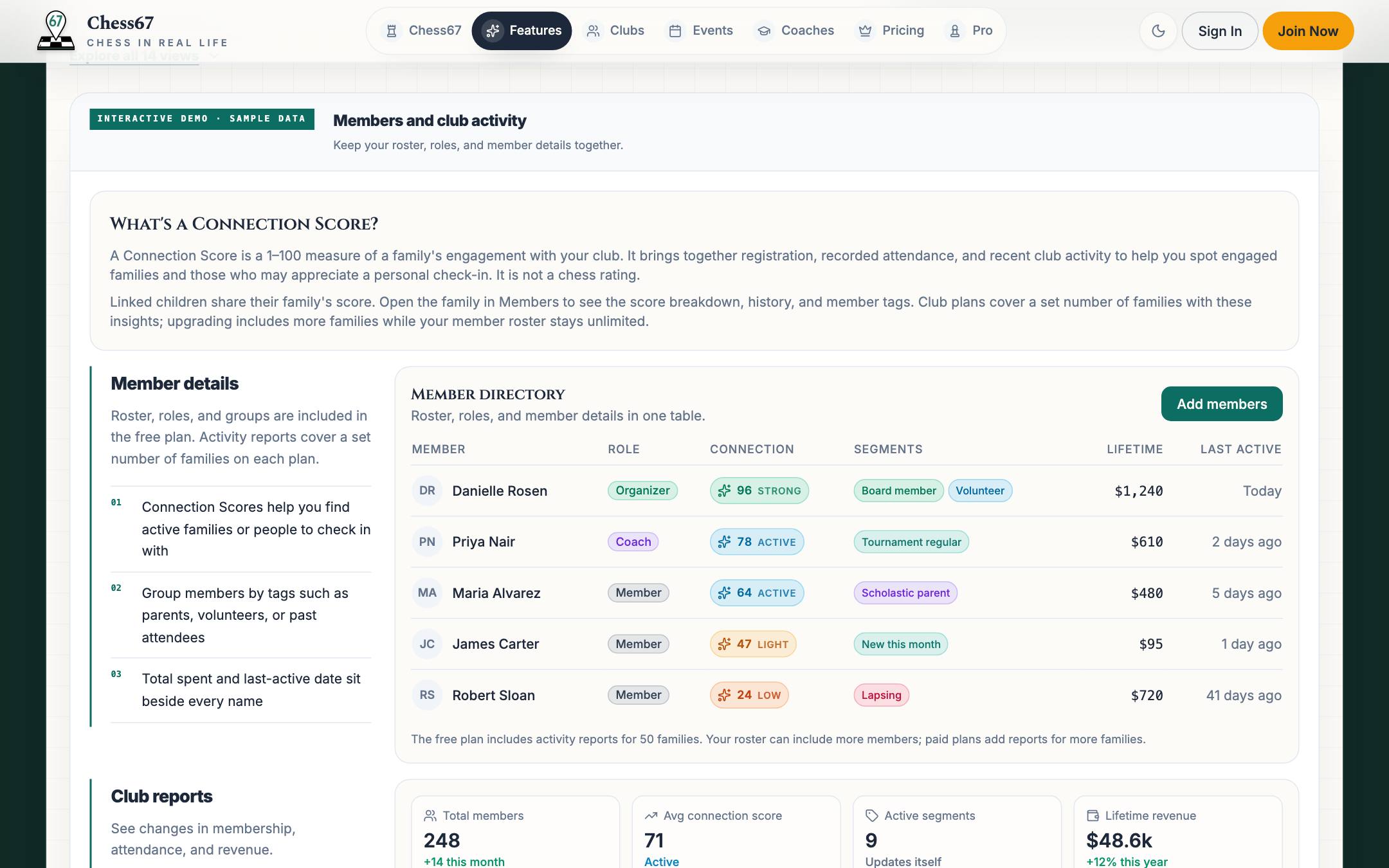
Send an invite link or import your existing roster. Manage members and their roles in one directory.
Chess67 · Invite or import members
Member directory with roles, family activity scores, tags, and reports

Watch how it works

Send email invitations, share an invite link or QR code, and import an existing member roster.

Plays here without leaving Chess67.Watch on YouTubeFull playlist
04

Publish events and tournaments

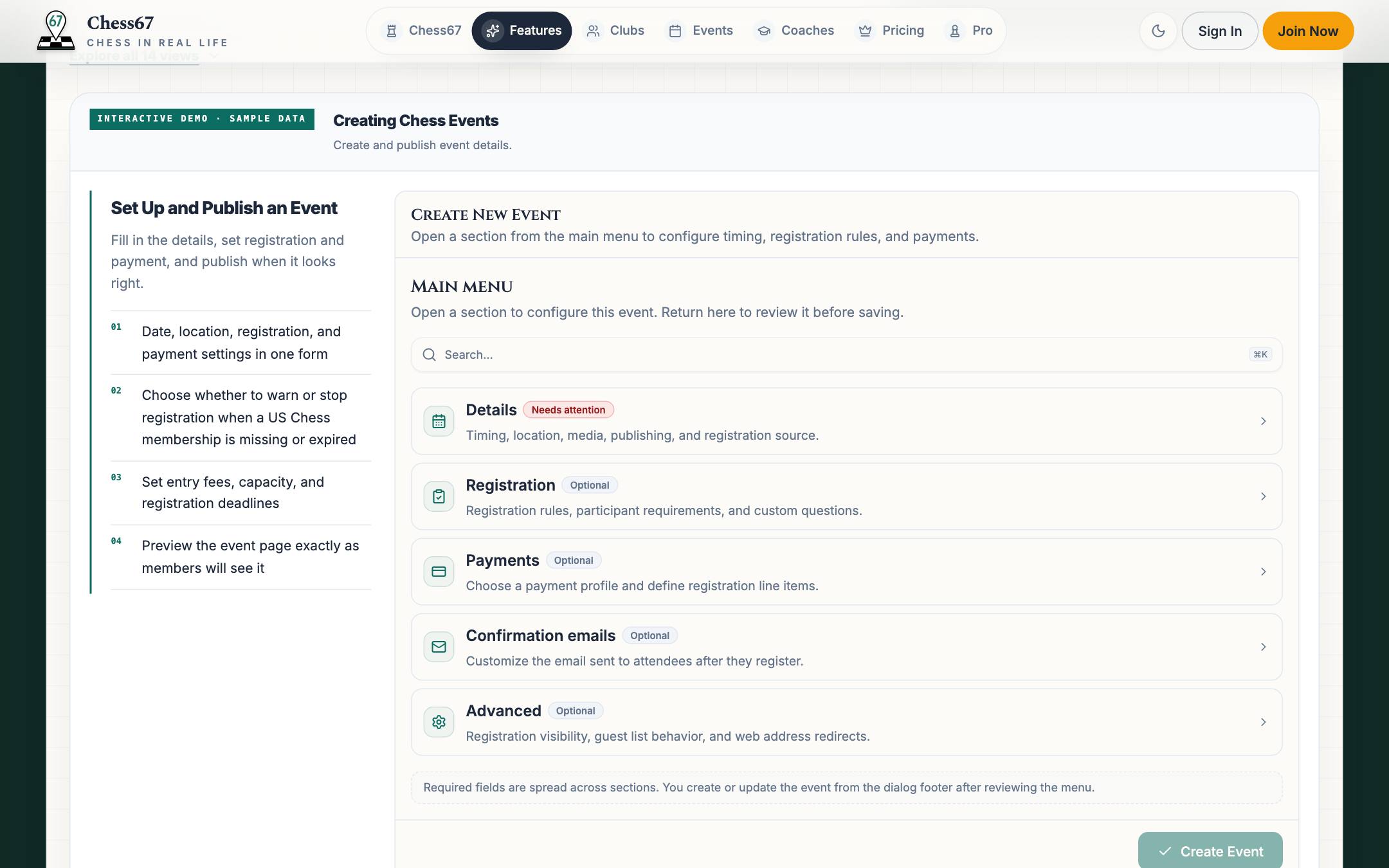
A casual club night or a full tournament with registration, sections, and pairings. Attendees scan a QR code at the door to check in.
Chess67 · Publish events and tournaments
Create event dialog with details, registration, payments, and confirmation email sections

Watch how it works

Add event details, dates, times, location, and recurrence, then publish it for members to find.

Plays here without leaving Chess67.Watch on YouTubeFull playlist
05

Get paid

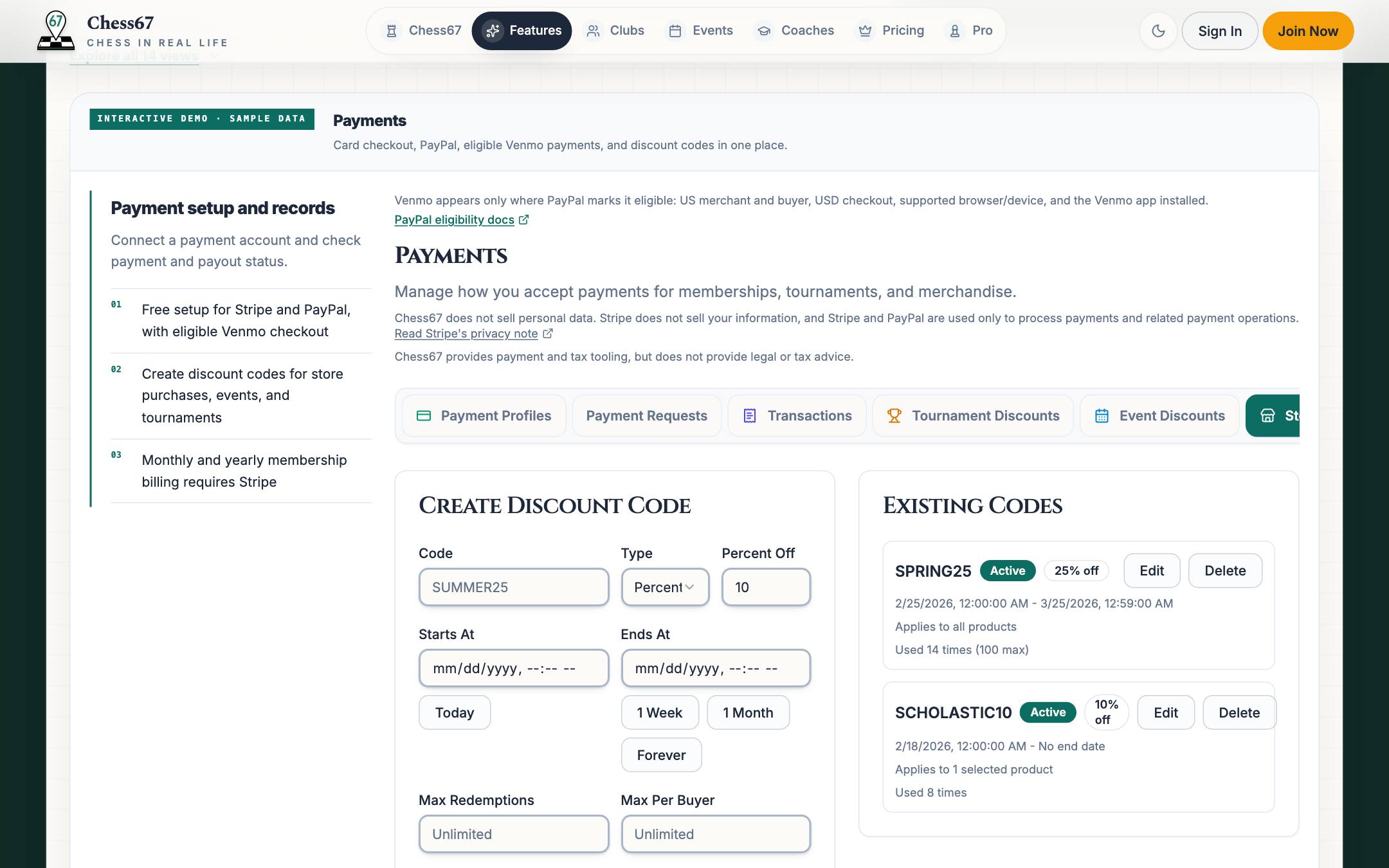
Connect Stripe or PayPal to collect entry fees, one-time dues, and store payments. Check payment status, create discount codes, and manage refunds.
Chess67 · Get paid
Club payment profiles for Stripe and PayPal, transactions, and discount codes

Watch how it works

Plays here without leaving Chess67.Watch on YouTubeFull playlist
06

Keep members in the loop

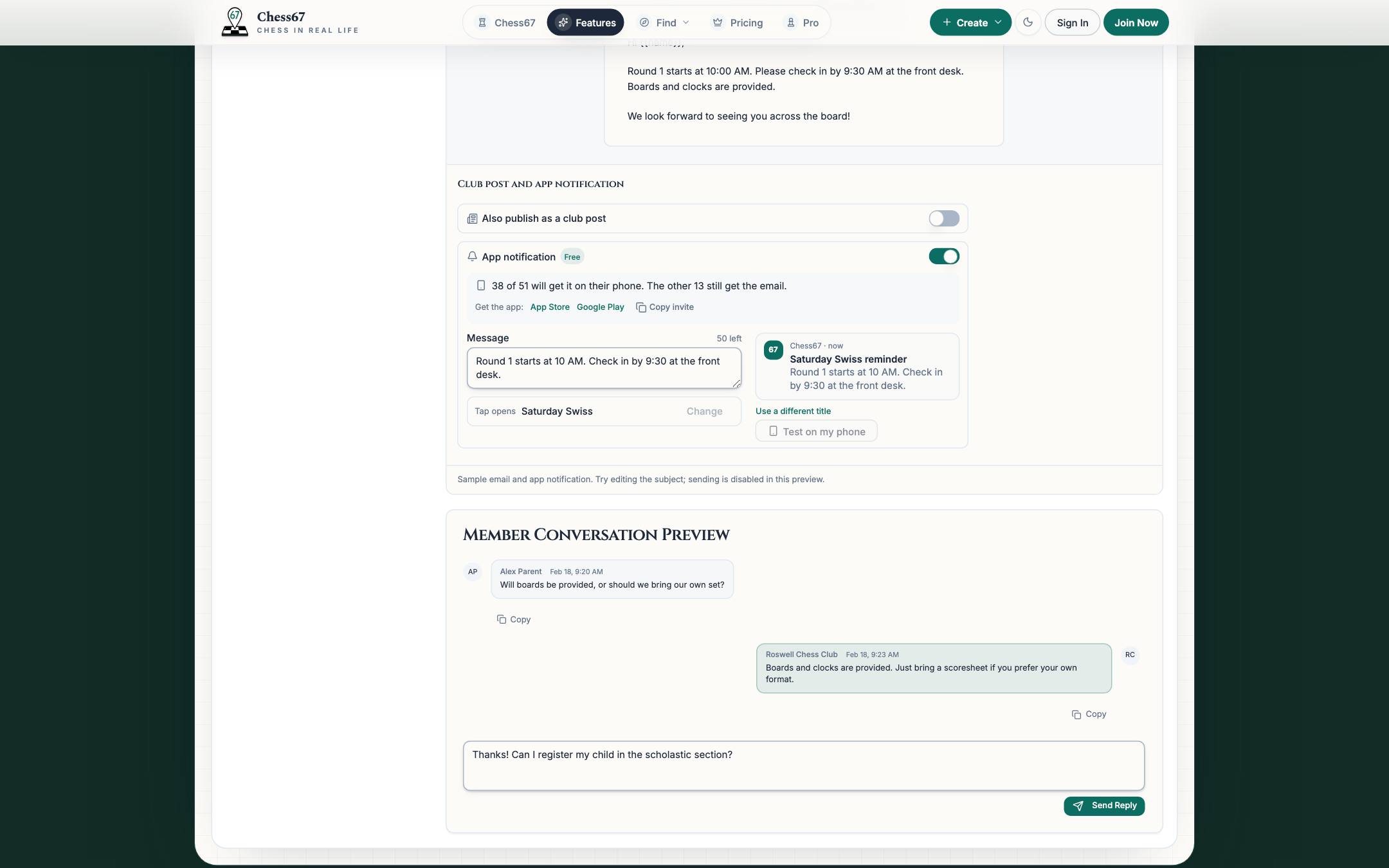
Email your members and notify their phones in the same send. App notifications are free and open the page you pick. Short alerts go straight to phones. Embed the club calendar on your own site.
Chess67 · Keep members in the loop
Club email editor with the app notification title, message, and tap destination below it
07

Ask members and discuss ideas

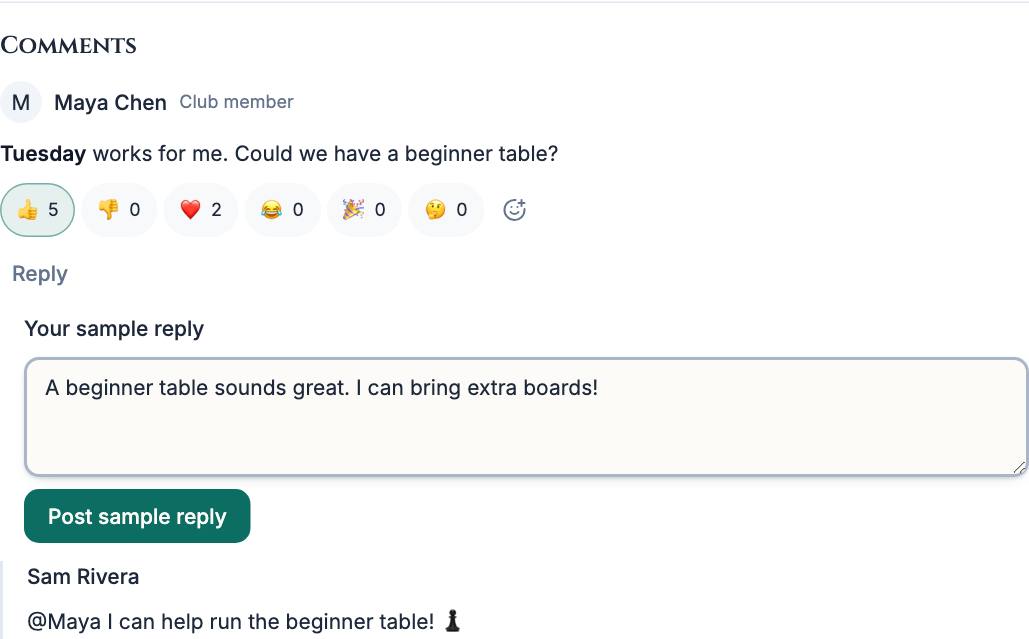
Ask choice and written questions in a survey, then keep the discussion below it. Adult members can reply and add emoji reactions. Organizers choose who can comment and handle reports.
Chess67 · Ask members and discuss ideas
Survey discussion with member replies, emoji reaction counts, and a sample reply composer
Real product · Guided view

Try it yourself

Explore a working club

Try a sample club page, roster, events, payments, and attendance reports.
Chess67 club homepage with membership, events, calendar, and directory

Explore another chapter

Membership cards & check-in

Your club card, ready at the door.

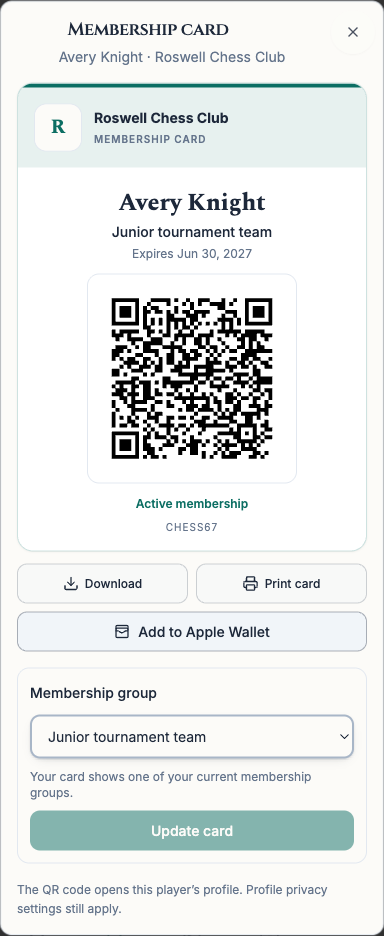
Choose a current membership group for your card. Keep it on your phone, add it to Apple Wallet on iPhone, or print a copy.

Open My Clubs and choose Membership card beside your club. Parents can also create cards for the child profiles they manage. Each person has one card per club.

Open My Clubs
Chess67 membership card with a club group, QR code, and Add to Apple Wallet button
A membership card with sample member details.

Scan, review, then check in.

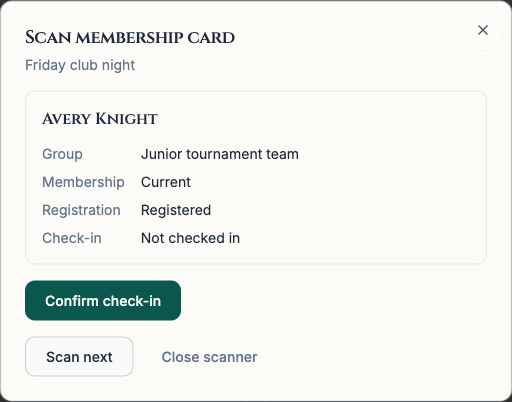
Organizers can scan membership cards in event or tournament check-in. Review the member and their registration, then confirm check-in. An internet connection is required.

Registered players also get a separate pass for each event or tournament. Parents can open a pass for each child. Add it to Apple Wallet on iPhone, then show its QR code at check-in.

Organizer reviewing a member's group and registration before confirming check-in
Scanning the same QR code with a regular phone camera opens the player's profile. Their profile privacy settings still apply.

For state chess associations

A shared calendar for chess across your state.

Give players and organizers a central place to find tournaments, local clubs, and association news. Use Chess67 as your event clearinghouse and manage association memberships and dues with the same club tools.

Explore the calendar tools
  • Shared calendars across clubs

    Subscribe to other Chess67 clubs to include their events, tournaments, or both on your association's calendar.

  • Tournament clearinghouse

    Add selected Chess67 events and tournaments to a shared schedule so organizers can compare dates and players can find registration details.

  • Association website and club directory

    Create a central hub for association news and resources. Embed your shared calendar, event list, or subscribed club directory on your existing website.

Your next step

Create your club page.

Start with a public club page. Add members, dues, events, and ratings as you go.