Go to the right place
Before you start
You need permission to manage members. For an invitation email, use the person's own email address.
Step by step
- Open Club Admin → Members.
- Choose Add members. Select the Email invites tile to send invitations by email, or Invite links & QR codes to create a shareable invitation.
- Choose the membership group people will join. For email invitations, review the addresses and send the invitations. For a link or QR code, review its expiration and share it where prospective members will see it.
- Ask each person to sign in or create an account and accept the invitation.
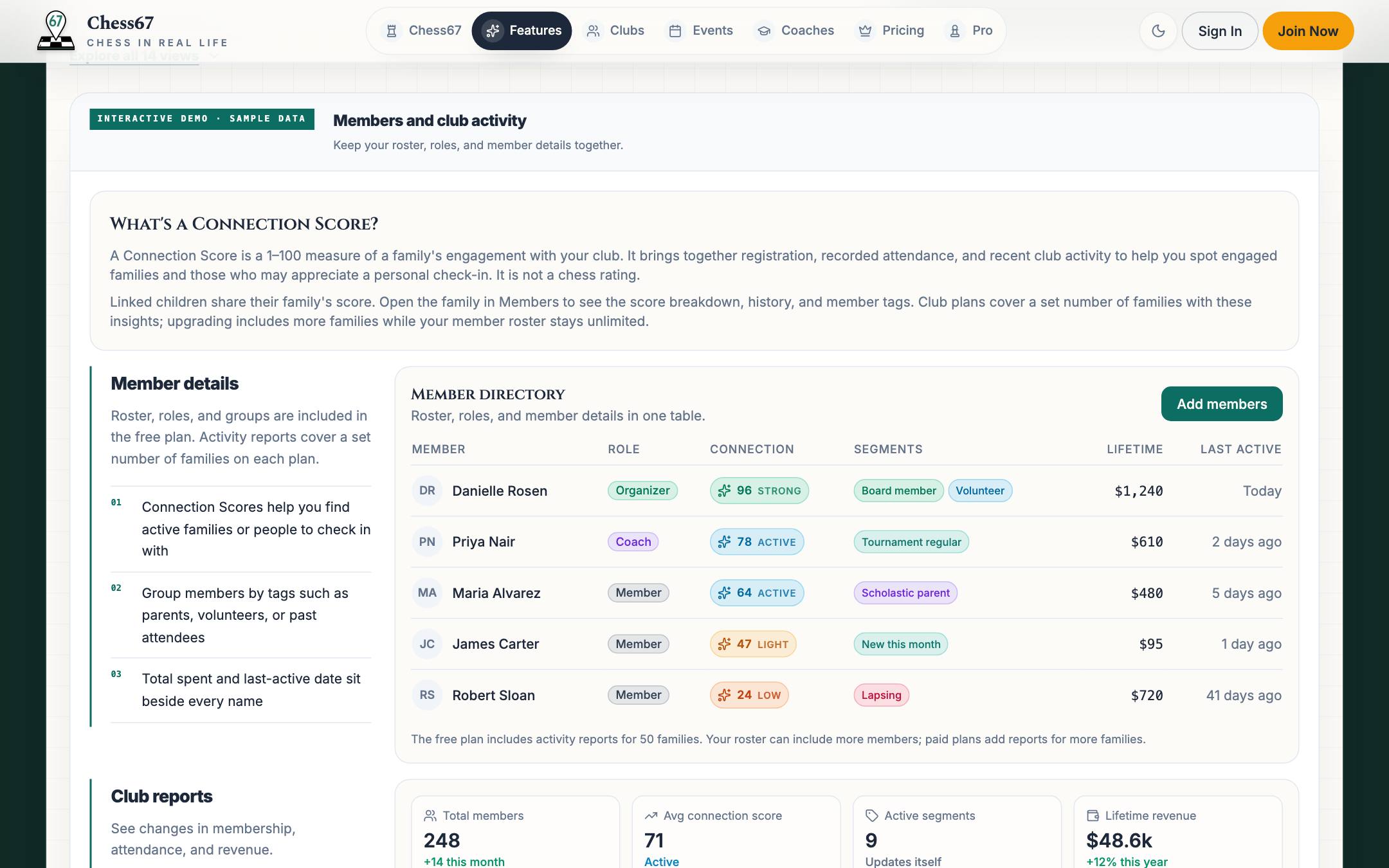
- Use All options to return to the Add members menu. Choose Invite history below the tiles to review sent invitations, then check Members for people who have joined.
What it looks like
After you finish
Accepted invitations add people to the club roster.
If you get stuck
Watch the tutorial
Plays here without leaving Chess67.Watch on YouTubeFull playlist
Send email invitations, share an invite link or QR code, and import an existing member roster.